
Email security services and solutions in Dubai, UAE
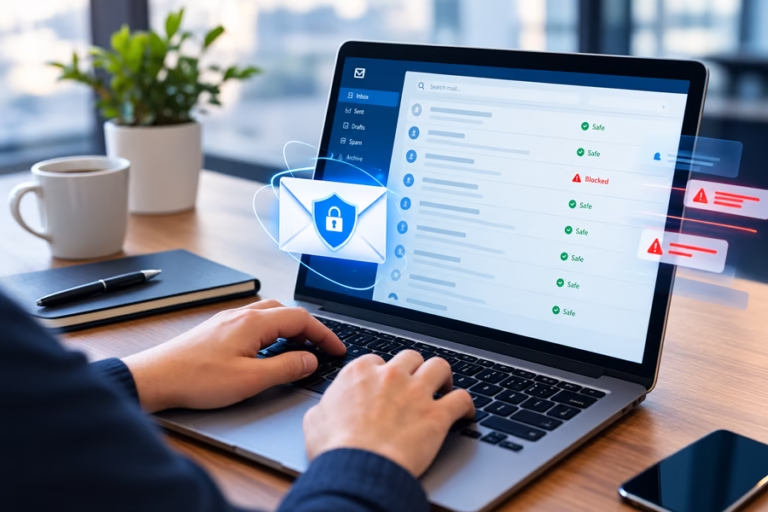
iConnect is an email security provider in Dubai. We add a layer of protection over Microsoft 365 or Google Workspace, take your domains through to DMARC enforcement, and investigate the messages your staff report.
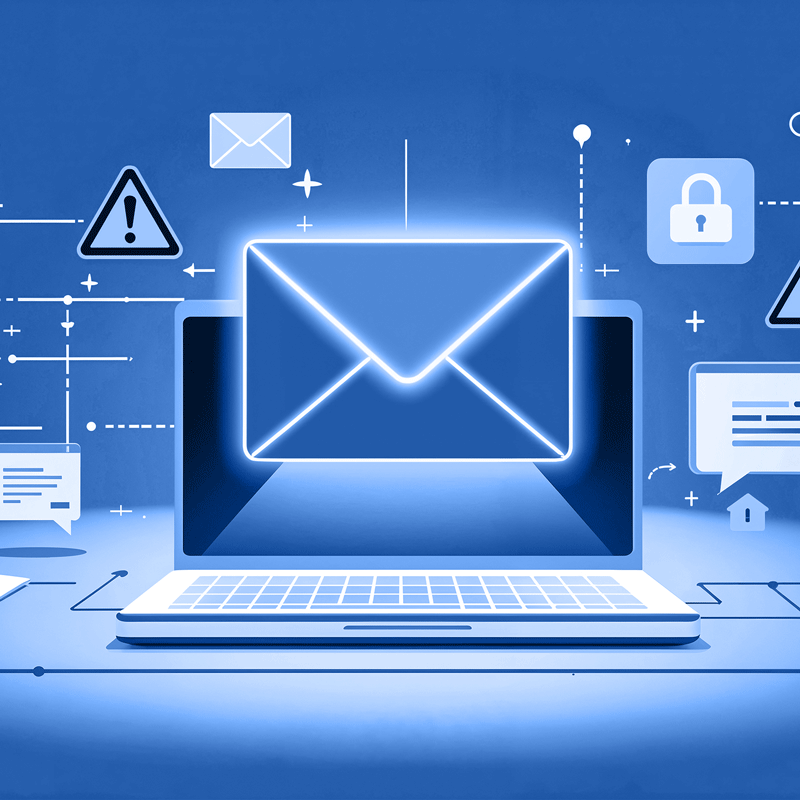
Targeted email attacks often carry no attachment and no link
Standard filtering catches commodity spam and known malware reliably. A targeted attack is designed to look like an ordinary request from a person the recipient recognises, and it may contain nothing that a content scanner can detect.
Common examples include a supplier notifying a change of bank details, a director asking the finance team to release a payment urgently, and a sender domain that differs from the legitimate one by a single character.
Stopping these attacks requires impersonation controls configured for your own staff and suppliers, domain authentication that prevents anyone sending as your domain, and staff who have been trained to recognise the request pattern.
Email security services we deliver
The services required depend on your mail platform, your regulatory obligations and the types of attack your organisation receives.
Phishing and impersonation protection
Controls configured for your executive and finance names and for the suppliers you pay, so that detection covers the impersonation attempts your organisation receives.
Business email compromise defence
Detection of the request patterns that carry no payload: payment redirection, invoice fraud and executive impersonation.
Malware and ransomware protection
Attachment sandboxing and URL rewriting, so that a link that is clean at delivery is checked again when the recipient clicks it.
Spam and bulk filtering
Volume filtering tuned so that legitimate mail is not caught, with quarantine reviewed on a schedule.
Data loss prevention
Policy across mail and attachments written for the data categories you hold, run in monitor mode first so that legitimate work is not blocked at go-live.
Email encryption
Encryption for messages carrying regulated or sensitive data, configured so that the recipient experience does not lead staff to use unprotected channels.
Domain authentication
SPF, DKIM and DMARC taken through to enforcement in stages, so that unauthorised senders cannot send as your domain and your own mail is not disrupted.
Email archiving
Retention set to the period your obligation requires, with search that produces evidence on request.
Awareness and simulation
Simulated phishing measured against a baseline, with training directed at the roles being targeted as well as the wider organisation.
User reporting and remediation
A report button in the mail client, and a workflow in which a reported message is investigated and removed from every mailbox that received it.
Internal email protection
Detection of malicious mail sent between internal accounts, which occurs after one mailbox has been compromised.
Managed operation
Policy administration, quarantine review and rule maintenance handled by iConnect's team in Dubai, so that the configuration stays current after the project ends.
How an email security rollout runs
The first step maps how mail reaches your organisation, including relays and third-party platforms that send on your behalf.
- Current MX records, connectors and third-party relays mapped from sender to mailbox
- Existing filtering assessed for what it already stops
- Retention obligation confirmed, as it determines the archive tier
Every legitimate source that sends as your domain is identified before any authentication policy is tightened.
- Marketing, billing and ticketing platforms included, as these often send outside IT's view
- SPF record checked against the ten-lookup limit, which is a common cause of authentication failure
- Each source assigned an owner, so that a future change does not break delivery
Inbound and outbound policy is configured for your organisation in place of vendor default settings.
- Impersonation protection configured for your executive and finance names
- Attachment and URL policy set per user group, as different roles receive different mail
- Permitted sender lists audited, as an outdated allow list can bypass filtering
Mail routing changes are staged with a documented rollback at each step, scheduled around your business hours.
- Cutover by domain or user group in stages
- Legacy archive ingested and validated before any MX change
- Rollback documented and tested before each stage
The DMARC policy moves from none to quarantine to reject, with each step based on the reporting data, so that legitimate mail is not disrupted.
- Aggregate reports reviewed at each stage before the policy is tightened
- SPF and DKIM corrected at the sending platform
- Enforcement reached in stages over a period of weeks
Policy tuning, quarantine review and user support continue from iConnect's team in Dubai.
- Release requests handled directly with the user
- Impersonation and URL rules updated as attack techniques change
- Sending sources rechecked whenever a new platform is adopted
The four signals used to detect targeted email
Targeted attacks rarely include a malicious attachment. Detection relies on these four signals instead.
Email obligations under UAE frameworks
Email is named directly in several UAE requirements, both as an attack vector and as a route for personal data to leave the organisation.
UAE Information Assurance Standards
The IAS treats email as a primary attack vector and requires controls, monitoring and incident response around it. The platform provides the enforcement and the evidence, and iConnect maps both to the control set you report against.
UAE PDPL
Personal data leaving by email is a direct obligation. Data loss prevention policy is written against your lawful basis and the data categories you hold, and archive retention is set to match the required period.
DESC ISR
Dubai government and semi-government bodies are examined on mail flow control and the retention behind it. Records are produced in the format an assessor requests.
ADHICS
Abu Dhabi healthcare entities must protect patient information in transit and report incidents within a fixed window. Encryption and the timeline evidence support both requirements.
Why organisations choose iConnect for email security
DMARC taken to enforcement
Reaching enforcement requires every legitimate sending source to be identified and corrected. iConnect carries out that discovery and takes the policy through to reject.
Impersonation controls configured for your staff
iConnect configures the controls against your own executive and finance names and the suppliers you pay, so that detection covers the impersonation attempts your organisation receives.
Reported mail is investigated
Every reported message is investigated, and confirmed malicious mail is removed from every mailbox that received it. Users receive feedback on the outcome.
Layered over your existing platform
The service works with your Microsoft 365 or Google Workspace baseline and adds the layer scoped to the attacks the native filtering does not cover.
Local delivery and support
Policy administration and user support are provided by iConnect's team in Dubai, during your working hours.
Documented for assessors
Configuration is mapped to the UAE framework you report against as the work proceeds, so the evidence for an audit is available when it is requested.
Sectors we protect
The roles that are targeted, and what the attacker asks for, differ by sector. Policy is configured for the attack types that apply to you.

Government
DESC retention requirements and impersonation of officials.

Banking and Finance
Payment redirection fraud and customer-facing domain abuse.

Healthcare
Patient data in transit under ADHICS, and supplier invoice fraud.

Manufacturing
Supplier impersonation across long payment chains.

Retail and E-commerce
Brand spoofing aimed at customers, and seasonal invoice fraud.

Education
Large user populations and credential harvesting at term start.
What our clients say
“Whenever an issue arises, iConnect is there immediately: quick, efficient and proactive in keeping everything running without disruptions. iConnect has become a crucial part of our operations.”
Head of IT Infrastructure and Network SecurityDragon OilFrequently asked questions about email security
Native filtering stops most commodity spam and known malware. It is less reliable against targeted attacks: an impersonated supplier asking to change bank details, a lookalike domain, or a message with no attachment and no link that asks the recipient to take an action. These are the attacks that cause financial loss, and a layered service adds the impersonation controls, domain authentication and user reporting workflow needed to address them.
Business email compromise is a message that asks a person to carry out a routine action for a fraudulent reason, such as changing payment details, approving an invoice or purchasing vouchers. It often contains no malware and no link, so there is nothing for a content scanner to detect. It is addressed by impersonation controls, by domain authentication that prevents your own domain being spoofed, and by training staff to recognise the request pattern.
DMARC enforcement has three stages. The first is identifying every legitimate source that sends as your domain, which includes marketing and billing platforms outside IT control. The second is correcting SPF and DKIM at each of those sources. The third is moving the DMARC policy from none to quarantine to reject, with each step based on the reporting data. Moving too quickly can block legitimate mail, and stopping at the monitoring stage leaves the domain open to spoofing.
Yes, both are covered. The layered products work with either platform. The main difference is the native filtering baseline of each platform, which determines what the additional layer needs to cover, and the configuration steps for each.
The reported message is investigated. If it is malicious, the same message is removed from every other mailbox that received it, the sender is blocked, and the indicators are applied across the tenant. The user receives feedback on the outcome, which supports continued reporting.
The UAE Information Assurance Standards treat email as a primary attack vector and require controls, monitoring and incident response around it. The PDPL applies to personal data leaving the organisation by email, which makes data loss prevention and encryption compliance obligations. Archive retention is set to the period your framework requires.
Yes. Policy administration, quarantine review, release requests, impersonation rule maintenance and user support are handled by iConnect's team in Dubai. The managed option keeps the configuration current after the implementation project ends, with a named team responsible for it.
One to three weeks for policy and mail flow on a single-domain organisation. Domain authentication takes longer, four to eight weeks to full DMARC enforcement, because identifying every legitimate sending source takes time and the policy is tightened in stages based on the reporting data.
Start with your mail platform, the attacks you receive and where your data has to be stored. The provider should configure impersonation controls for your own staff and suppliers, take your domains to DMARC enforcement, and investigate the messages your staff report. iConnect's team in Dubai handles both the deployment and the ongoing operation.