

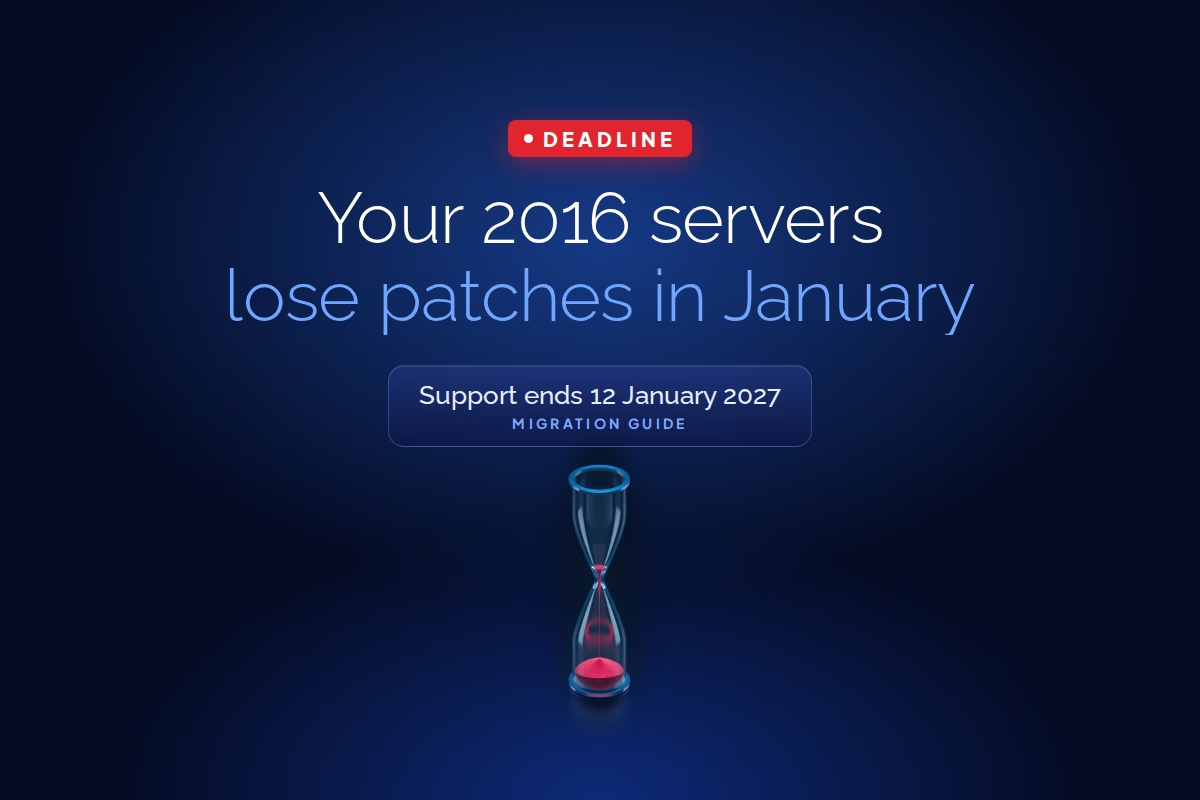
Windows Server 2016 end of support falls on 12 January 2027, which is also January’s Patch Tuesday. That update is the last one most 2016 servers will ever get. From the next cycle onwards, every new Windows vulnerability that affects 2016 stays open on any machine that isn’t enrolled in Microsoft’s paid Extended Security Updates.
Counting from the end of November, that’s about seven weeks. Take out the year-end change freeze most UAE enterprises run through late December, plus the UAE public holidays, and the working window for anything risky is closer to four or five weeks.
So the useful question isn’t what end of support means. It’s which of your 2016 servers you can’t move in time, and how you keep those ones from becoming the easiest way into your network.
What Windows Server 2016 end of support actually stops
Microsoft’s lifecycle page is plain about it: after the end date there are no new security updates, no non-security fixes and no assisted support. The servers keep running and nothing breaks on the 13th, which is exactly why unsupported servers linger for years.
The applications on top have already started leaving. Exchange Server 2016 and 2019 went out of support in October 2025, and SQL Server 2016 followed in July 2026. If you have an Exchange 2016 host or a SQL 2016 instance sitting on Windows Server 2016, you’re already running an unsupported application, and in January the operating system underneath joins it.
Auditors will pick this up. ISO 27001 control 8.8 (management of technical vulnerabilities) and the patching requirements in the UAE IA Standard both assume you can patch what you run. An unsupported OS with no ESU and no documented compensating controls is a finding waiting to be written.
Start with an inventory you trust
The servers that hurt aren’t the ones on the migration plan. They’re the ones nobody owns: the domain controller someone promoted in 2018, the file server behind a department share, the box running a line-of-business app whose vendor went quiet.
Active Directory gives you a first cut in seconds:
Get-ADComputer -Filter 'OperatingSystem -like "*Server 2016*"' -Properties OperatingSystem,LastLogonDate,Description | Select Name,OperatingSystem,LastLogonDate,Description
That list misses anything not joined to the domain: workgroup servers in DMZs, appliances built on Windows Server, OT historians, and VMs in a cloud tenant that a project team spun up. An authenticated vulnerability scan across every subnet catches those, and it also tells you which 2016 machines are already behind on patches today. A server three months behind in November won’t be in better shape after support ends.
For each machine, record four things: its role, its business owner, its edition (Standard, Datacenter or Essentials) and its core count. Edition and cores matter more than they look, because they decide whether ESU is even an option.
Sort every server into one of three paths
Once the list exists, each server goes into retire, migrate or protect-and-bridge. Most estates have more in the first bucket than anyone expects.
| Server role | Usual path | Why |
|---|---|---|
| Domain controller | Migrate now | Build new DCs on Windows Server 2025, move FSMO roles, demote the old ones. It’s routine work and doesn’t need an in-place upgrade. |
| File server | Migrate or retire | Storage Migration Service moves shares, permissions and identity. Some shares belong in SharePoint or OneDrive instead. |
| Exchange 2016 host | Migrate the workload | Moving to Exchange Online or Exchange Server Subscription Edition fixes the application and the OS together. |
| SQL Server 2016 | Migrate the workload | The database engine is already out of support, so an OS upgrade alone leaves the bigger gap. |
| Line-of-business app with an uncertified vendor | Protect and bridge | The candidate for ESU, isolation and a fixed retirement date. |
| Anything with no owner and no recent logons | Retire | Shut it down for 30 days. If nobody complains, decommission it. |
Where you do upgrade the OS, go to Windows Server 2025. Windows Server 2019 is already out of mainstream support and its extended support ends in January 2029, so landing there buys two years and another project. In-place upgrades from 2016 to 2025 are supported, but for anything you can rebuild, a clean build with the workload moved across is the better result. It also clears out a decade of drift in local accounts, scheduled tasks and installed agents.
The ESU bridge, and what it costs you in planning
For servers that genuinely can’t move by January, Microsoft sells Extended Security Updates for Windows Server 2016 through Azure Arc. Read the terms closely before you plan around them.
- ESU delivers Critical and Important security updates only, for up to three years, through to January 2030. No new features and no non-security fixes.
- Only Standard and Datacenter editions are covered. If you’re running Windows Server 2016 Essentials, there’s no ESU route, and migration is the only answer.
- For on-premises and hosted servers, you need active Software Assurance or an equivalent server subscription, so confirm that before anything else. If the licences lapsed years ago, Arc alone won’t save the timeline.
- Each server needs the Azure Connected Machine agent at version 1.62 or later, outbound connectivity to Azure, and the licence linked to it in the Azure portal. Billing starts on 13 January 2027.
- You license by edition and core count, which is why the inventory needed both.
Don’t assume that lifting a 2016 VM into Azure makes ESU free, as it was for Windows Server 2012. Microsoft’s guidance for 2016 has shifted during 2026 and different pages read differently, so confirm the current terms for your specific hosting model before you rely on them.
Connecting servers to Arc isn’t a five-minute job in a locked-down network. Proxy rules, firewall exceptions for the Arc endpoints and change approvals all take time. If ESU is part of your plan, onboard those machines in November, while the change window is still open, and verify enrolment with azcmagent show before the freeze.
ESU keeps the vendor’s patches flowing while you finish moving. It does nothing about the reason the server couldn’t move in the first place, and three years disappear quickly when nobody owns the project. Every server on ESU should have a named owner and a retirement date agreed before the first invoice arrives.
Lock down whatever stays on 2016
Patching was only ever one control. For servers on ESU, and for the ones that end up with no patches at all, the others have to carry more weight.
Start by isolating them properly. Put remaining 2016 servers in their own network segment and allow only the specific flows the application needs. A legacy app server rarely has a reason to accept SMB or RDP from the whole user VLAN, or to reach the internet directly.
Next, cut the admin paths. Remove standing local admin rights, route administration through a privileged access management platform with session recording, and make sure the server isn’t a place where domain admin credentials get cached. An unpatched server holding a privileged credential is how one old box turns into a domain compromise.
EDR and backup vendors publish their own support matrices, and they retire old operating systems on their own schedules. Confirm that the agent on each 2016 server is still a supported version and still reporting.
Watch these servers harder than everything else. Forward Windows security logs, Sysmon and firewall logs from them into your SIEM and write detections specific to them: new services, new local accounts, unusual outbound connections, logons from hosts that never normally connect. In iConnect’s 24/7 SOC, which runs on FortiSIEM, legacy servers get tagged as high-risk assets so alerts from them are triaged first rather than queued behind the noise.
A penetration test against the segment where 2016 servers live then tells you whether the isolation actually holds, which is a different thing from whether the firewall rule exists.
A realistic order of work for the next seven weeks
- This week: run the AD query and an authenticated scan, and build the list with owner, role, edition and cores.
- Next week: confirm Software Assurance coverage with your licensing partner, and sort every server into retire, migrate or bridge.
- Before the December freeze: start the 30-day shutdown test on orphaned servers, replace 2016 domain controllers, and onboard bridge servers to Azure Arc.
- Before 12 January: segment the bridge servers, tighten admin access and confirm SIEM coverage.
- After January: run the migrations for everything on ESU against the retirement dates you set.
If you’re not sure how many 2016 servers you actually have, start there. Our team can run a vulnerability assessment across your estate, find every 2016 machine including the ones outside Active Directory, and help you decide which can move before January and which need ESU and tighter controls. Talk to the team before the December freeze closes the window.